

Analyze MDF4 Files and CAN Logs with UniPlot
Open ASAM MDF4 (.mf4) and MDF 3.x files, decode Vector BLF and ASC CAN logs with your DBC or AUTOSAR ARXML files, and plot, filter and report the signals in one Windows application.
- MDF4 and MDF 3.x
- BLF and ASC
- DBC and ARXML
- Windows 8, 10, 11
From log file to physical signals
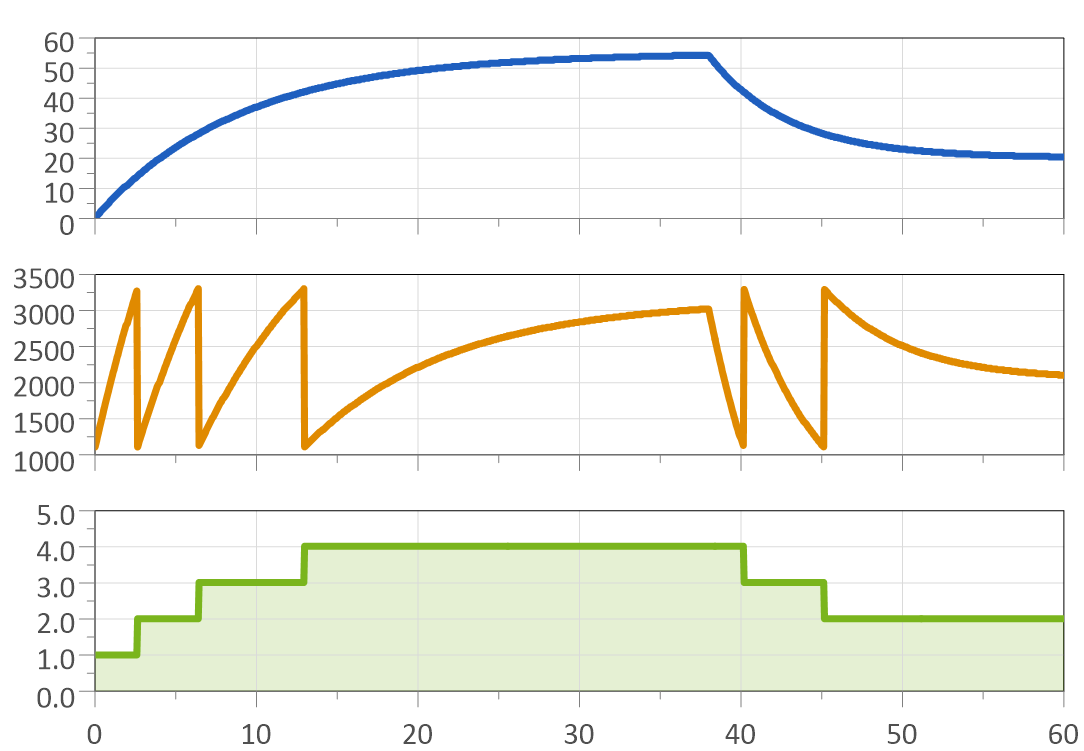
The MDF4 import converts .mf4 files into UniPlot data files. MDF files up to version 3.3, as written by INCA/VS100, the IAV Drive Recorder or CANalyzer, are read as well. Several files are imported in one step, for example all runs of a test day.
Select the DBC files and the messages you need once, save them as a named configuration, and every following log file is decoded the same way. Multiplexed messages are supported.
Since R2026.3 the CAN configuration accepts ARXML files the same way as DBC files. No separate tool is needed to convert ARXML to DBC first.
Choose the dataset type for MDF/CAN data and select only the signal: UniPlot picks the matching time channel. Every CAN message gets its own time channel.
How it works
Load the MDF4 Import and CAN Import add-ins once in Tools=>Add-In Manager.
For CAN logs, add your DBC or ARXML files in Tools=>CAN Configuration (DBC file) and check the messages you need. You can limit the import to one bus (1 to 255).
Choose File=>Import Data and select one or more MDF4, BLF or ASC files. UniPlot converts them into its data format (NC2). Measurement data and CAN bus data from the same file end up in one data file.
Drag the signals into a page. Each channel carries its signal name from the DBC file, and the CAN Id and message name as attributes.
Then analyze, compare and report
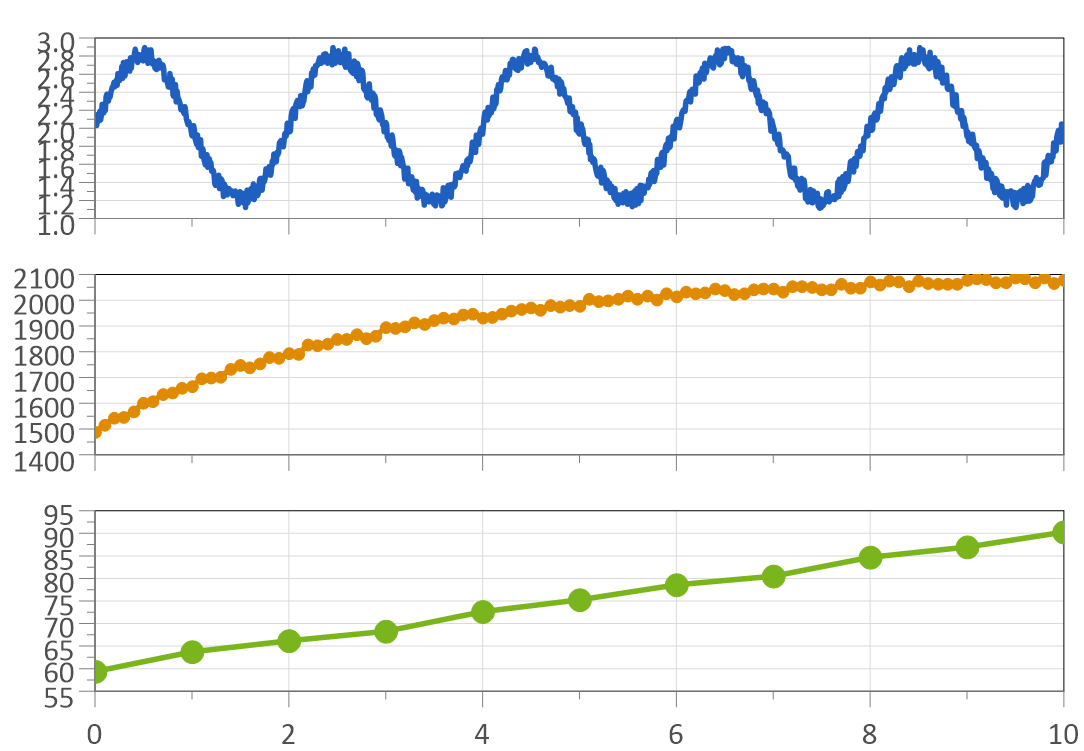
Once imported, MDF4 and CAN data get all of UniPlot’s tools:
Signal processing: smoothing, spike removal, low-pass filters, FFT spectra, envelopes and peak detection, see Signal Processing.
Limit checks and events: overshoots, time above a limit, plateaus, see Peaks, Events and Limit Checks.
Batch processing: in a script,
auto_ImportData()converts one file and returns the data file name, so a loop converts a whole directory, see How do I convert MDF files to NC2?.Reports: report templates, PDF, Word and PowerPoint, see Automated Test Reports: From Measurement File to PDF, Word or PowerPoint.
Write MDF4: scripts can also create MDF4 files, for example to hand calculated data to tools that expect MDF4, see How do I write an MDF4 file from a script?.
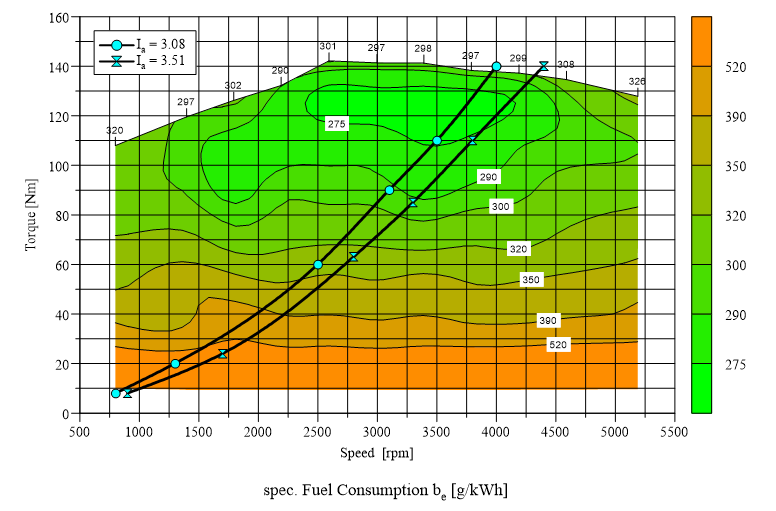
Calibration data: DCM 2.0 and PaCo files are imported and drawn as curves, maps and tables, see How do I import DCM calibration files?.
Good to know before you buy
The manual still marks the MDF4 Import and CAN Import add-ins as beta versions.
Vector ASC files are read in classical and CAN FD format (CAN FD since R2022.4). In BLF and MF4 files only classical CAN frames are evaluated.
In MDF4 bus logging files only CAN frames with up to 8 bytes of payload are decoded; other bus systems are ignored.
One CAN configuration can contain at most 800 selected messages.
UniPlot runs on Windows 8, 10 and 11.
Not sure it fits your files? Request a test version or write to info@uniplot.com.
Buy UniPlot
Buy online in US dollars by credit card. Choose your license to see the price and the option to select in our webshop.
Need a quote or a purchase order? info@uniplot.com · Want to evaluate first? Request a test version · Europe: price list in EUR