

Automated Test Reports: From Measurement File to PDF, Word or PowerPoint
Design a report template once. UniPlot fills it with every new measurement file, from a menu in a few clicks or unattended for hundreds of files, and sends the pages to PDF, Word or PowerPoint.
- Report templates
- Reports menu
- Word
- PowerPoint
- Excel
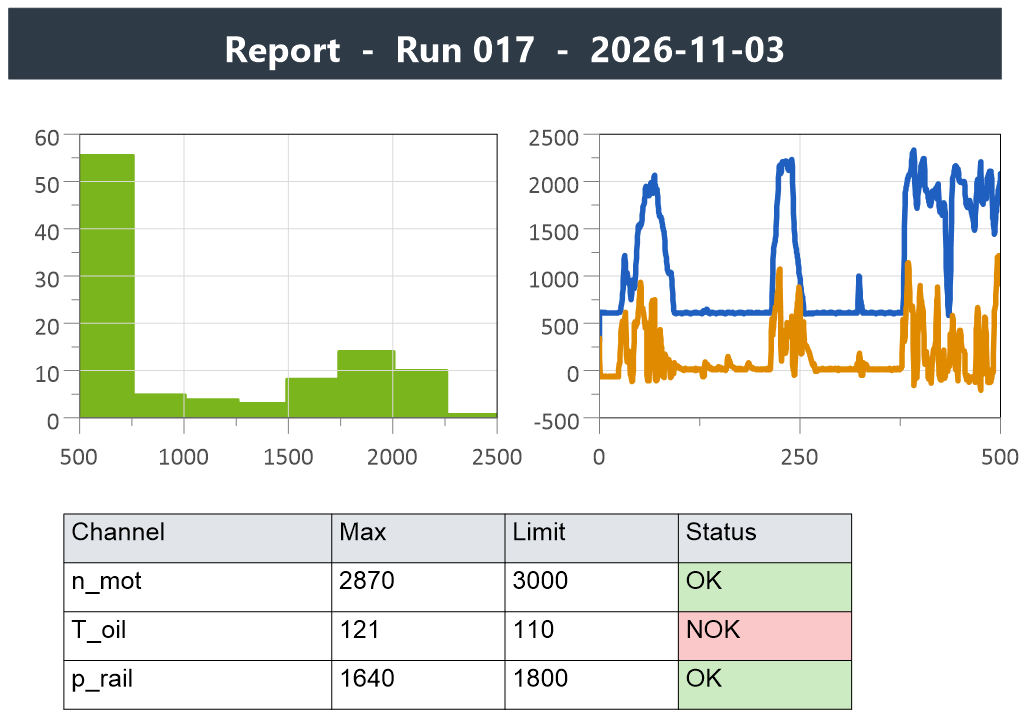
One template, every test
A template is an ordinary UniPlot document with named diagrams, a logo
and text placeholders such as $Engine$, filled from the data file or
typed in by the user.
Colleagues choose the report from the Reports menu and select the data files. Template, diagrams, legends and header data are filled automatically.
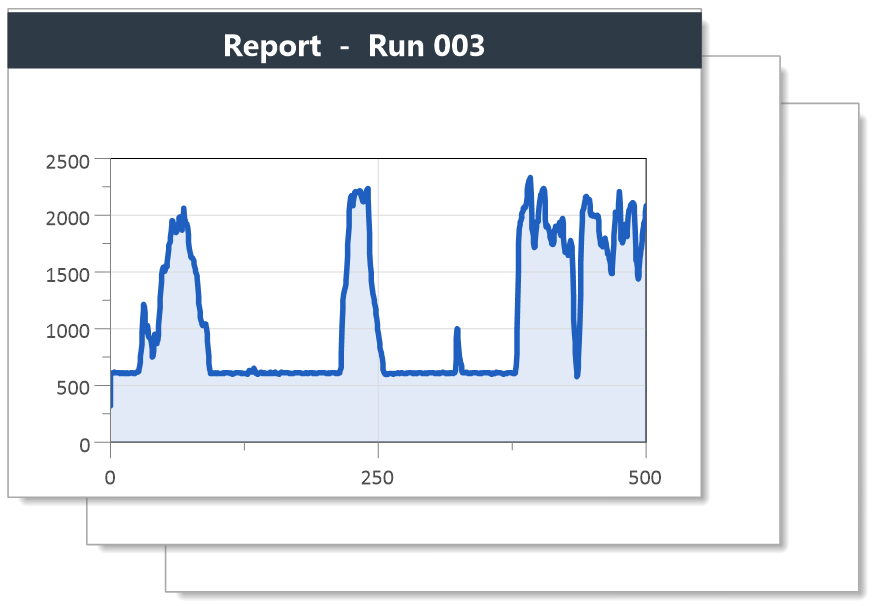
A short loop fills the template with each file of a folder and prints it to PDF: one report per file, without any input.
Build the evaluation of one file as a Sequencer workflow, loop it over a file list and start it from a batch file with the Windows task scheduler.
Send pages to PowerPoint or Word as EMF vector graphics, use your company PowerPoint template, and update the slides after a data exchange.
Fill Excel report templates with header data and channels, save data as XLSX, and highlight values outside the specification in report tables.
"Whether is it for test trip, test bench, PEMS or chassis dyno, UniPlot is our reference tool to analyze test data. [...] In one click all the information is sent to our own PowerPoint template."
How it works
Design the page: a UniPlot document with the diagrams, text objects, logo and frame you need. Give each diagram a unique name.
Add placeholders: text between dollar signs, for example
$Engine$, is replaced when the report is created, by text the user types or by an attribute from the data file.Write a short script that loads a measurement file into the template. It is written once, by the person who sets up the report.
Install it by adding its folder in Tools=>More Options. The report now appears in the Reports menu. A shared network folder gives everybody the same reports.
Good to know before you buy
Setting up a template needs a short UniScript script, written once. Colleagues who use the report from the Reports menu never see it.
Since R2025.1 Ghostscript is optional for PDF export: without it, UniPlot uses Microsoft Export to PDF. Ghostscript is still needed for PDF bookmarks.
UniPlot runs on Windows 8, 10 and 11.
Not sure it fits your reports? Request a test version or write to info@uniplot.com.
Buy UniPlot
Buy online in US dollars by credit card. Choose your license to see the price and the option to select in our webshop.
Need a quote or a purchase order? info@uniplot.com · Want to evaluate first? Request a test version · Europe: price list in EUR